
Useful information about printing
Paper sizes, paper weight, material types, color modes and printing technologies — a practical guide to help you understand printing terminology and choose the right order specifications.
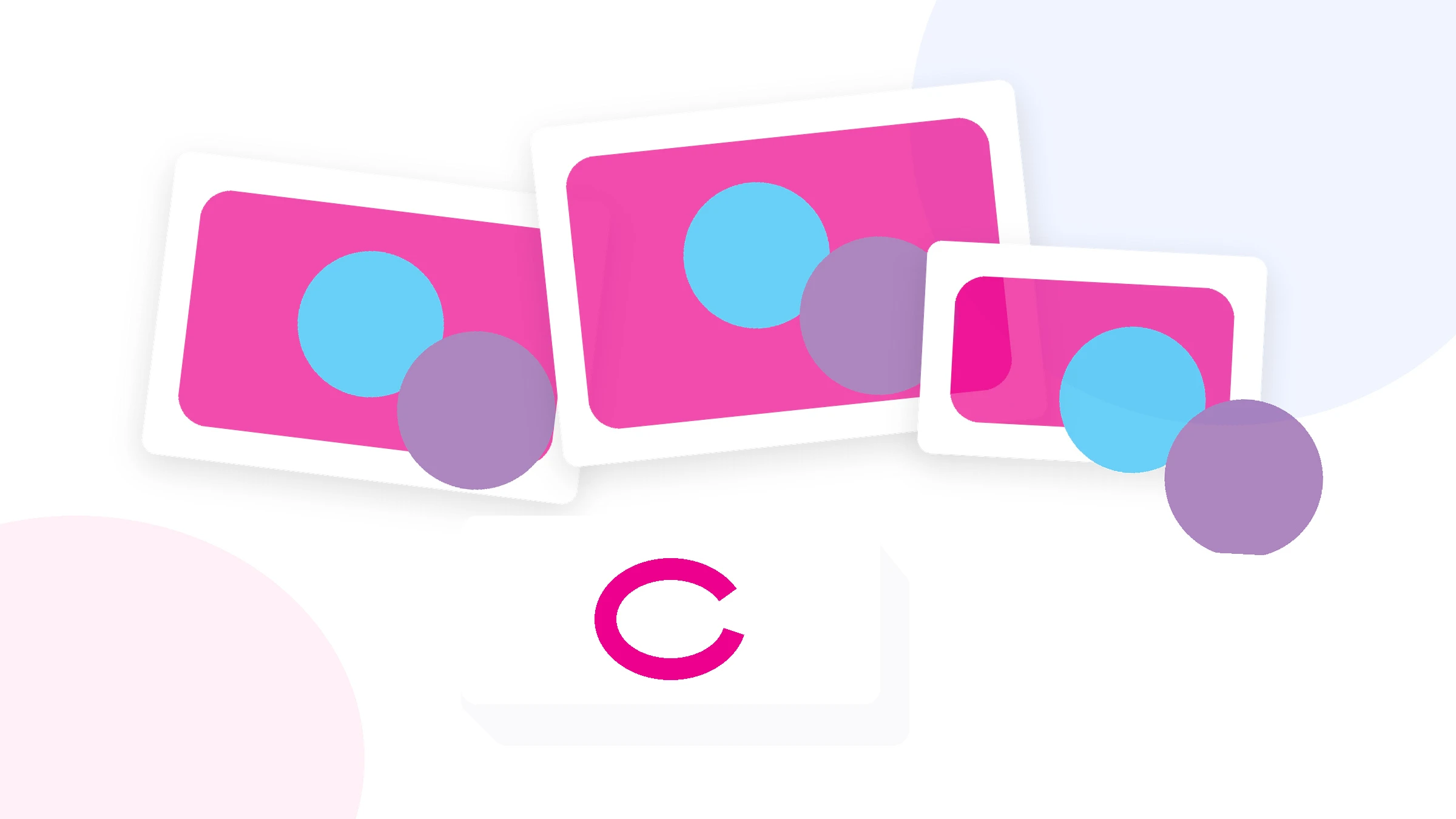
Paper sizes: from A0 to A7 and SRA3
The international A-series is the most commonly used paper size system in printing. Its logic is simple: each next size is created by cutting the previous sheet in half along its longer side. This means two A4 sheets equal one A3 sheet, two A5 sheets equal one A4 sheet, and so on.
Understanding paper sizes is useful not only when choosing the finished product size. A print shop may use a larger production sheet and trim it down to the required final format after printing.
| Format | Size, mm | Common uses |
|---|---|---|
| A0 | 841 × 1189 | large posters, drawings, informational materials |
| A1 | 594 × 841 | posters, displays, diagrams |
| A2 | 420 × 594 | posters and presentation materials |
| A3 | 297 × 420 | posters, menus, flat print products, spreads |
| SRA3 | 320 × 450 | production sheet size with extra space for print marks and trimming |
| A4 | 210 × 297 | forms, catalogs, brochures, instructions |
| A5 | 148 × 210 | leaflets, flyers, brochures |
| A6 | 105 × 148 | leaflets, cards, compact flyers |
| A7 | 74 × 105 | small information cards |
SRA3 is larger than A3. The extra area provides room for bleed, crop marks and other elements required for finishing. The finished product can still be A3, A4 or smaller.
In addition to the A-series, custom sizes are also common, such as 90 × 50 mm business cards, 99 × 210 mm Euro flyers, square leaflets and products made to custom dimensions.
What does paper weight mean?
Paper weight is measured in grams per square metre (gsm). It indicates the mass of one square metre of material. It is not exactly the same as sheet thickness, although heavier paper is usually stiffer.
Two paper types with the same gsm can feel different because of their composition, coating and texture. That is why paper should not be selected by gsm alone.
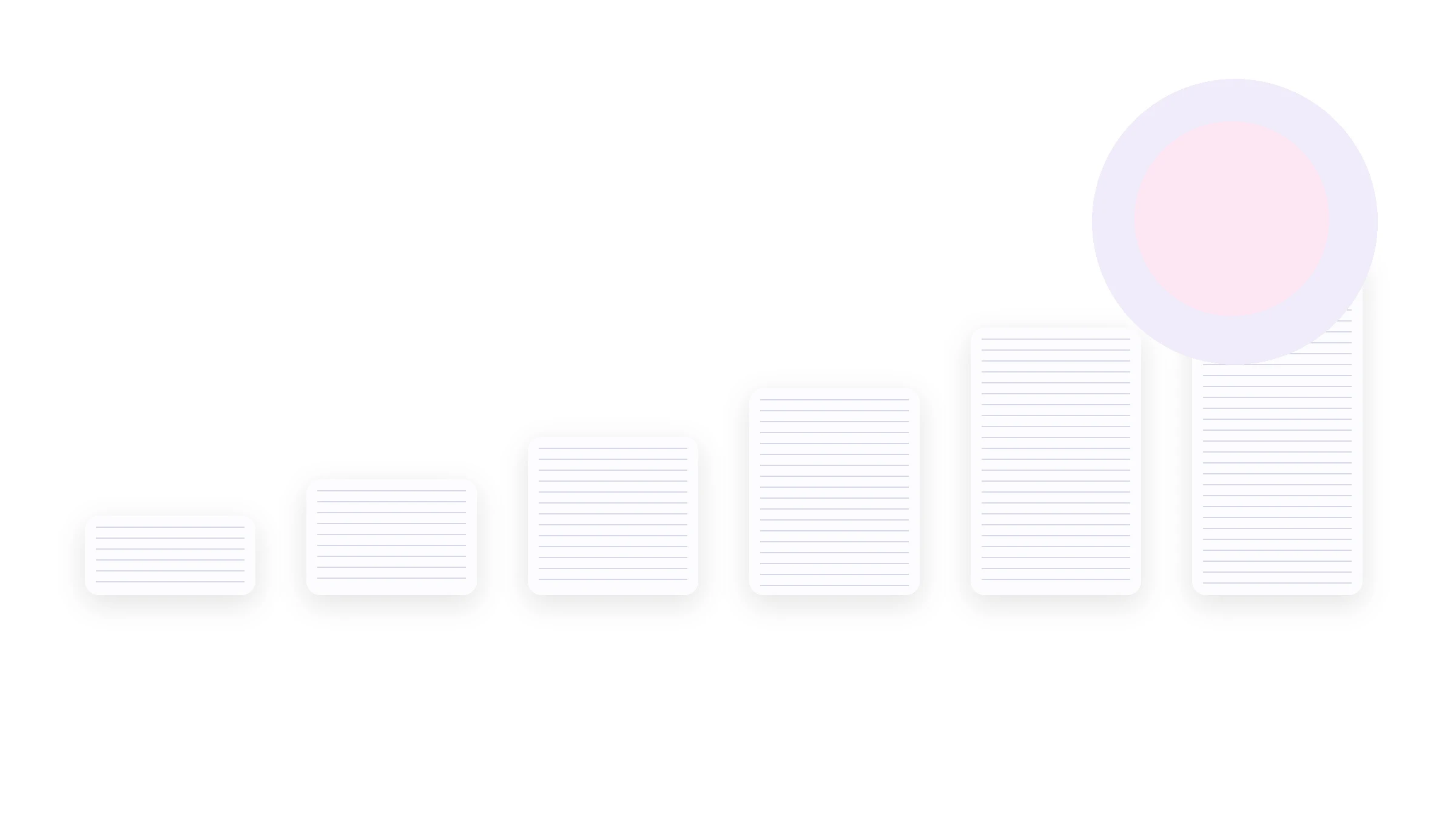
| Paper weight | Typical use |
|---|---|
| 80–90 gsm | forms, documents, instructions, inner pages |
| 115–130 gsm | leaflets, flyers, inserts, catalog pages |
| 150–170 gsm | folded leaflets, flyers, leaflets |
| 200–250 gsm | thicker leaflets, menus, covers |
| 300–350 gsm | business cards, certificates, rigid cards |
| 400 gsm | extra-thick business cards and premium print products |
Glossy, matte, coated and designer paper
The same paper weight does not mean the same appearance. The surface affects glare, tactile feel, color reproduction and the overall look of the finished product.
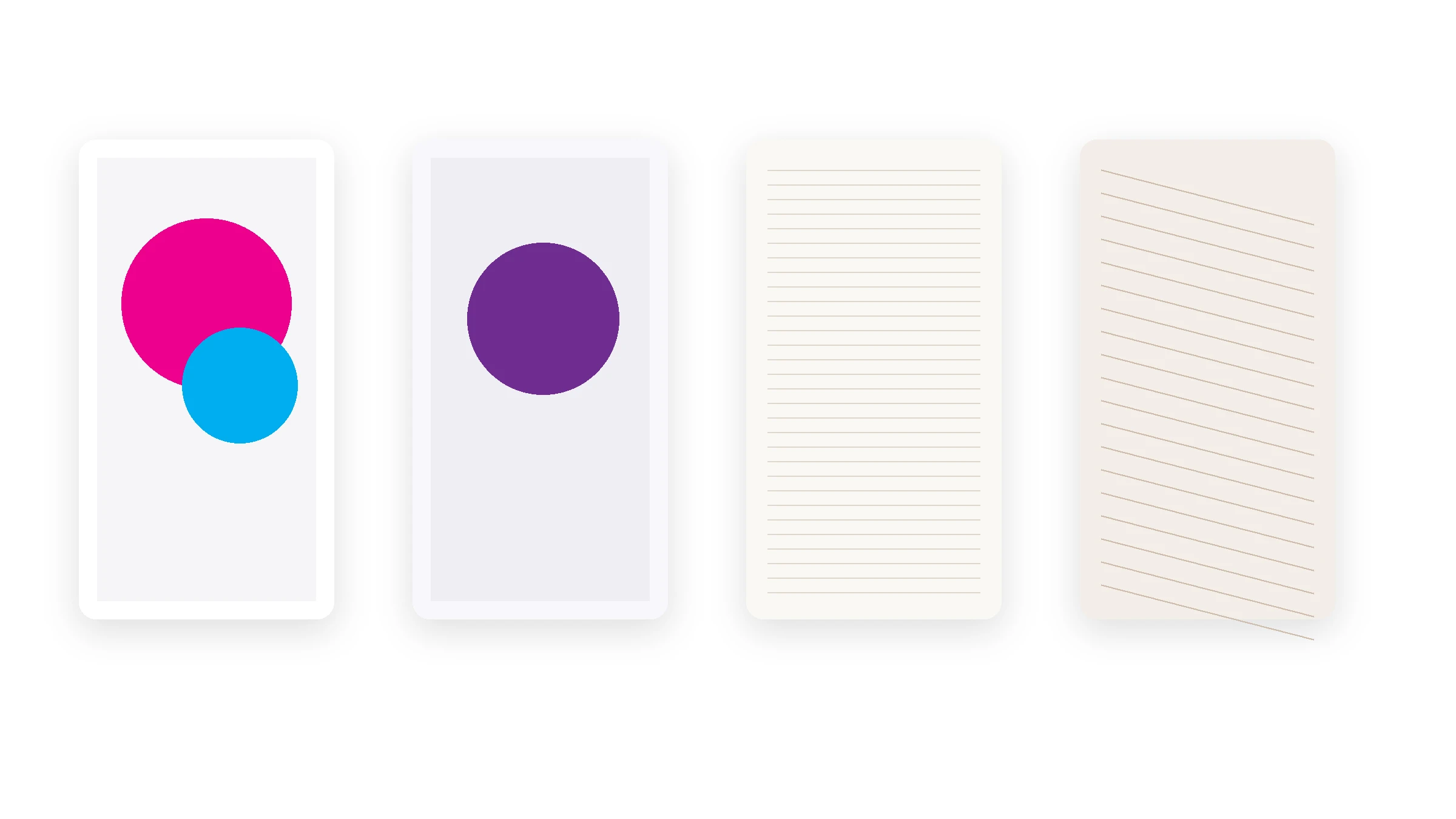
Glossy paper
Has a smooth surface and helps bright photos and saturated colors stand out. Its surface reflects more light.
Matte paper
Produces less glare and gives a more restrained look. It works well for products with a large amount of text.
Designer paper
May have a distinctive texture, color or surface. It is often chosen when the material itself is part of the design.
What do 1+0, 4+4, 5+0 and similar notations mean?
Print color notation is often written as two numbers separated by a “+”. The first number shows how many inks or color channels are used on the front side, and the second shows the number used on the reverse side.
CMYK, RGB and white ink
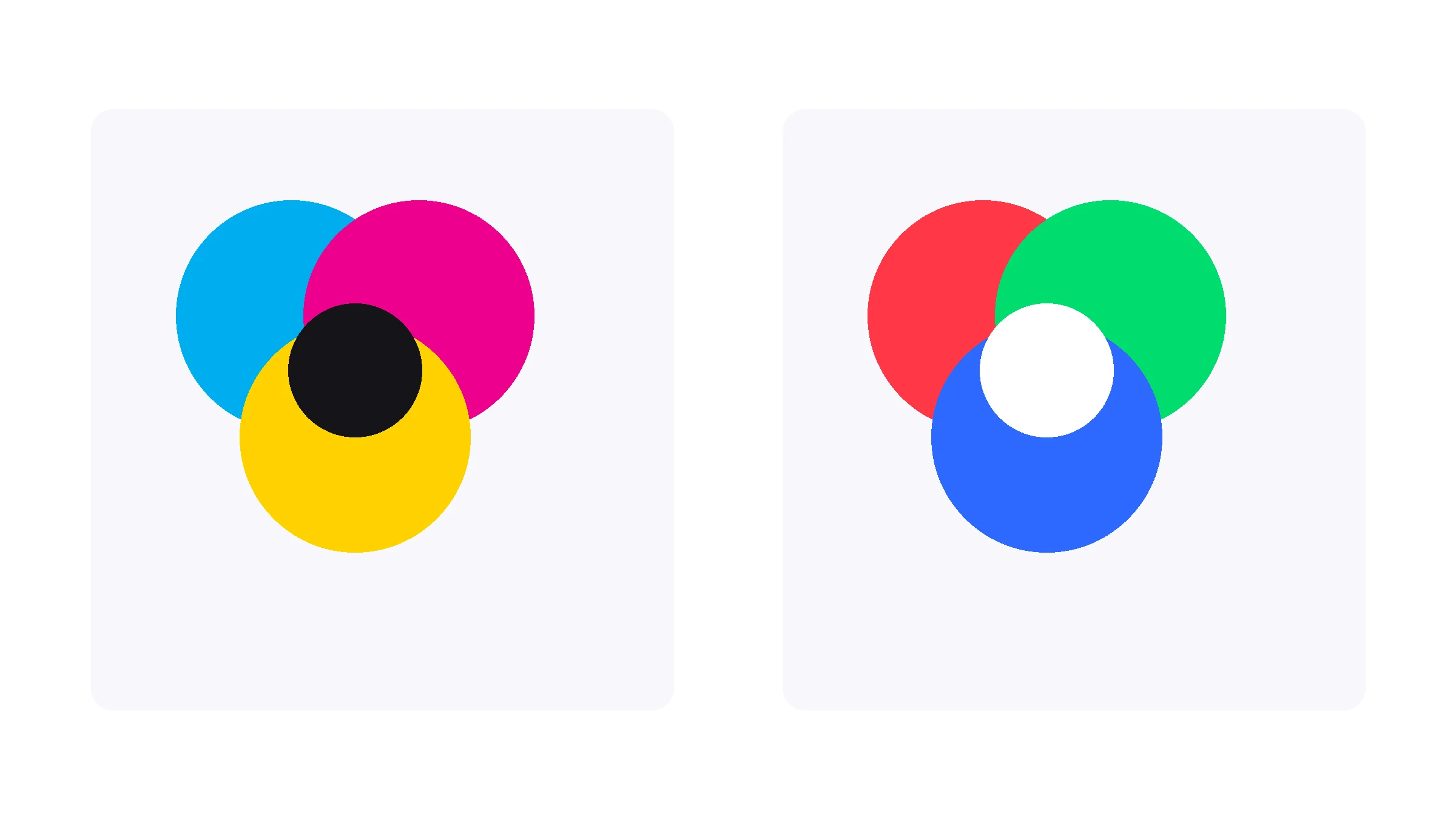
CMYK is the standard model for most types of full-color printing: Cyan, Magenta, Yellow and Black. These four inks are combined to create a wide range of colors on the printed material.
RGB is a light-based color model used by phone screens, monitors and televisions. Because RGB and CMYK create color in different ways, an image may appear brighter on screen than in print.
Why is white ink used?
Standard CMYK does not include white ink. On white paper, the material itself provides the white areas. When printing on transparent, colored or dark substrates, a separate white ink channel may be used.
White ink can be used as a design element on its own or as an underbase beneath a CMYK image. This underbase helps preserve color saturation and reduces the influence of the substrate color on the final result.
Digital, offset and UV printing
There is no single printing method that is always “best”. The technology is selected according to run length, material, size, turnaround time and the requirements of the finished product.
Digital printing
Well suited to small and medium print runs, fast production and variable-data printing. It does not require printing plates.
Offset printing
Commonly used for larger print runs. It requires more setup, but the cost per piece can decrease significantly as the quantity increases.
UV printing
Allows printing on many sheet and specialty materials. UV inks are cured with ultraviolet light immediately after application.
What is a print run and why does it affect the price?
A print run is the number of identical copies produced in one order. Part of the cost is related not to each individual item, but to setting up the entire job: preparing equipment, materials, cutting and other production steps.
As the print run increases, setup costs are spread across more pieces. This is why the price per item often decreases. The relationship is not always linear and depends on the printing method, material and finishing.
Common print products and terminology
Leaflet — a single printed sheet that does not necessarily include a fold.
Flyer — a compact promotional or informational piece, usually printed on a single sheet.
Folded leaflet — a sheet with one or more folds.
Brochure — a multi-page publication whose pages are bound or fastened together.
Catalog — a multi-page publication used to present products, services or collections in a structured way.
Business card — a small card containing contact, corporate or promotional information.
Print finishing
Lamination — the application of a protective film to the surface of a printed product.
Creasing — creating a controlled fold line in thick paper or card.
Folding — folding a sheet along one or more lines.
Die cutting — cutting a product to a specified shape or contour.
Eyelet — a metal or plastic ring fitted into a hole in a banner or other material for mounting.
Frequently asked questions
How is A3 different from SRA3?
A3 is a standard finished size of 297 × 420 mm. SRA3 is larger and is mainly used as a production sheet with extra space for bleed, crop marks and trimming.
What does 4+4 mean?
Full-color CMYK printing on both sides of the product.
What does 5+0 mean?
Five inks or channels on one side and no printing on the reverse. Depending on the technology, the fifth ink may be White, for example.
Why can colors look different on screen and in print?
Screens use the RGB light model, while most commercial printing uses CMYK. The final result is also affected by the material, printer profile, lighting conditions and monitor settings.
Before submitting your artwork for print
Bleed, font requirements, color space and other technical parameters should be checked in the dedicated Artwork requirements section.
Available materials, technologies and specifications may vary depending on the product type.